
 English
 Español
 Português
 Русский
 العربية
FormBuilder
Features

From drag-and-drop building and AI generation to real-time analytics and response management — everything you need to create, share, and optimize online forms in one platform.
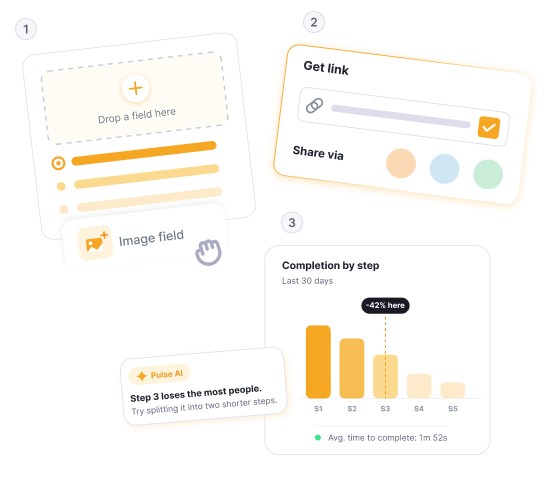
Build, Share, Analyze
From form creation to analytics — FormBuilder gives you the complete toolkit to collect and manage data effectively.


FormBuilder
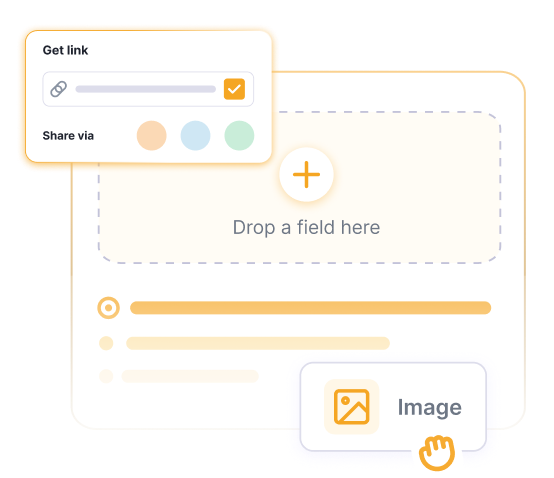
Drag-and-Drop Editor
Build any form you need with our visual editor. Drag fields onto your canvas, configure labels, validation rules, and required settings. Supports text, email, phone, dropdowns, checkboxes, file uploads, date pickers, rating scales, and more.
Learn more about FormBuilder →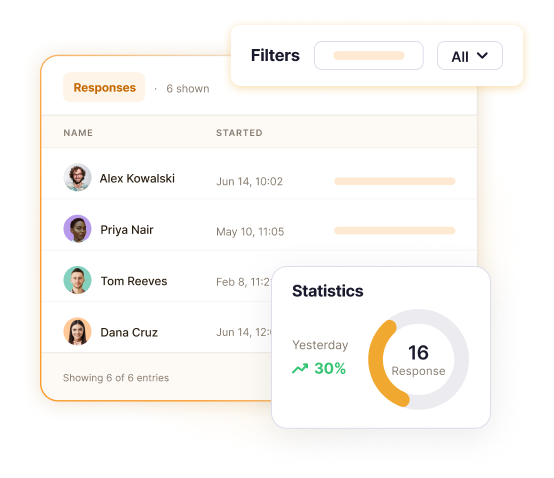
Design
Full Customization
Make your forms match your brand. Change colors, backgrounds, fonts, and opacity. Upload custom images, use preset palettes or custom HEX values. Remove FormBuilder branding on paid plans for a fully white-label experience.


Intelligence
AI Form Builder
Describe what you need in plain text and our AI generates a complete form with the right fields, labels, and structure. Create contact forms, surveys, registrations, and more — all from a single prompt. Then fine-tune with the drag-and-drop editor.
Explore AI Form Builder →


Insights
Form Analytics
Track your form's performance with built-in analytics. Monitor total submissions, abandonment rates, average completion time, and response trends over time. Visual charts and graphs make it easy to identify patterns and optimize your forms.
Discover Form Analytics →Explore Features in Depth
Detailed guides for every major FormBuilder capability — with visuals, examples, and full reference docs.
More Features
Everything you need in one platform
Show or hide fields based on how respondents answer previous questions. Create dynamic, personalized form experiences that reduce abandonment.
Get alerted instantly when someone submits your form. Enable email notifications and browser push notifications so you never miss a response.
Set start and end dates for your forms. Perfect for event registrations, limited-time surveys, contests, and seasonal promotions.
Invite team members to build forms together, view submissions, and manage responses. Pro supports up to 5 users, Premium up to 10.
Allow respondents to upload documents, images, PDFs, and other files. Ideal for job applications, service requests, and claims.